
Understanding Draft & Live Page
Your page has two versions: a private draft that only you see while editing, and the live page that your visitors see. Knowing the difference is the key to editing with confidence.
Save Draft keeps your work private. Publish copies your draft to the live page. Nothing you do reaches visitors until you Publish.
The draft (your private working copy)
Everything you change in the editor lives in the draft until you publish it.
Save Draft
Press Save Draft to store your current work. It is private, so you can leave and come back and your changes will be waiting. Saving does not change the live page.
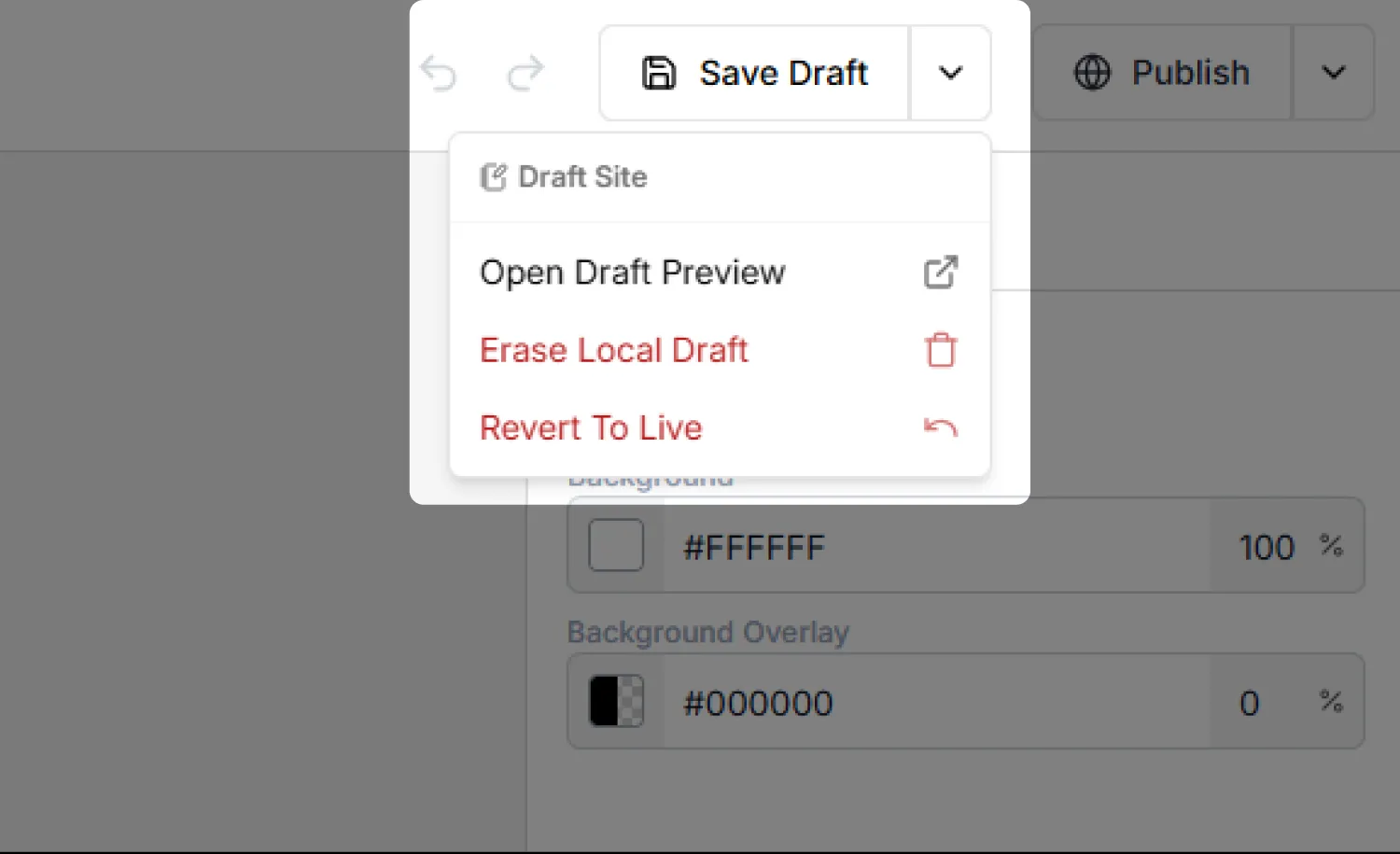
The Draft Site menu
The small arrow next to Save Draft opens the Draft Site menu:
The live page (what visitors see)
Publish
Press Publish to copy your draft to the live page. You will be asked to confirm, because your draft becomes the version visible to everyone. This is the only action that changes what visitors see.
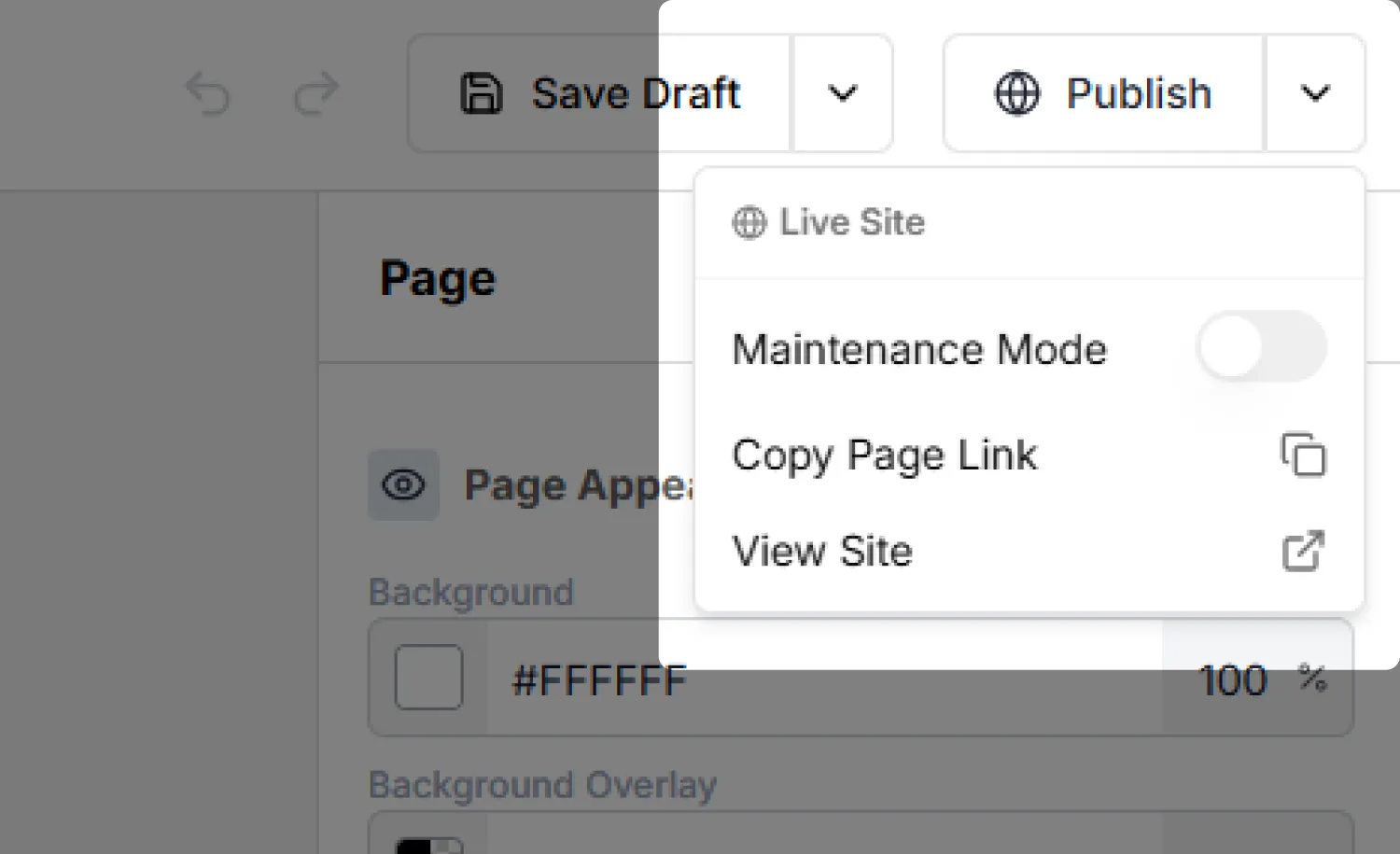
The Live Site menu
The arrow next to Publish opens the Live Site menu:
A simple workflow
Edit and save
Make your changes, then Save Draft as you go.
Preview privately
Use Open Draft Preview to check the draft as a real page.
Publish when ready
Press Publish to push the draft live, then View Site to confirm.
Changed your mind after editing for a while? Revert To Live brings back the published version so you can start again from what is currently public.